Skip to content

Online ordering system for restaurants, pizzerias and takeaways

Your guests orderdirectly from you.

Your own ordering page, an order-intake app and kitchen tickets – one system for your restaurant.

0% commission · €39 a month · monthly or annually See pricing

Launching on 31 October 2026 – demos available now.

Restaurants choose OrderKick. Meet our customers
  1. Guest ordersNew
  2. Team acceptsAccepted
  3. Kitchen printsTicket printed

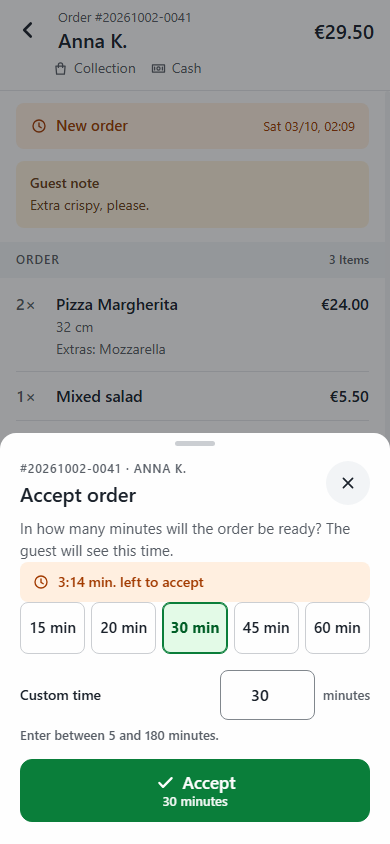
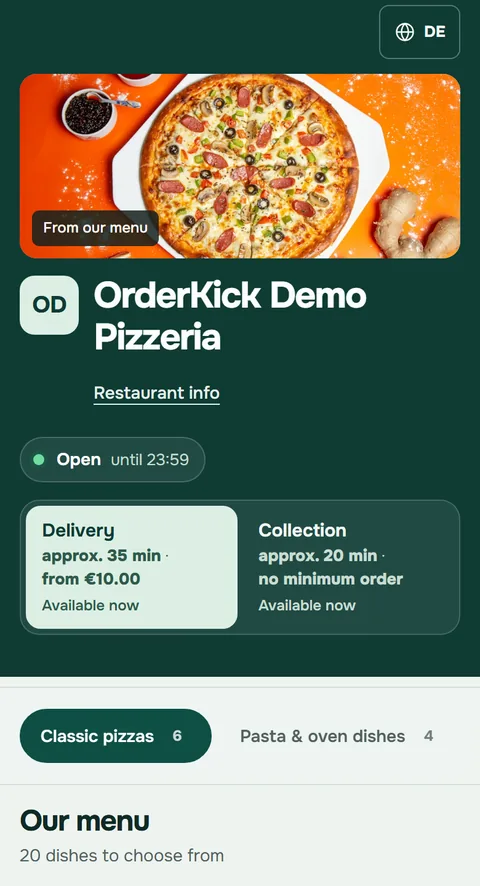
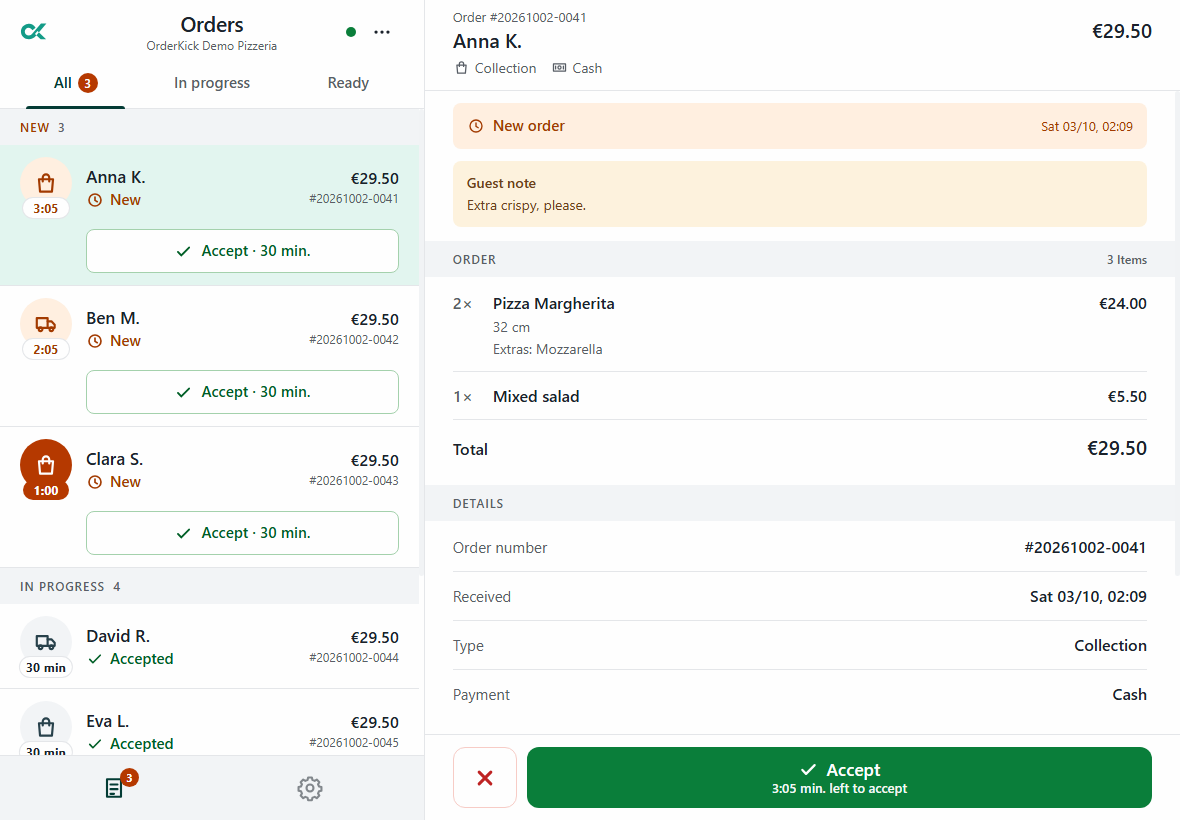
Example run with three orders: the guest orders on a phone, the team accepts the order in the app, the kitchen prints the ticket. Phone and app are captures from the demo account; confirmation, acceptance and ticket are recreated with example data.

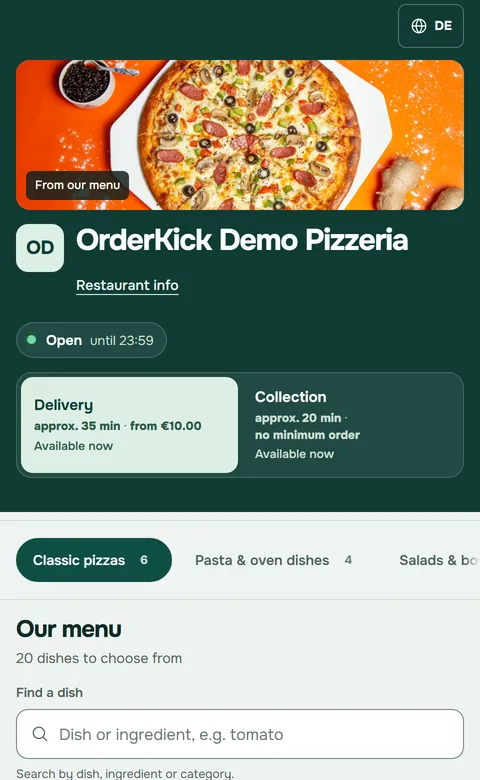
Order-intake app: list of new orders and the order from Anna K. with the Accept buttonOrdering page of the OrderKick demo pizzeria on a phone: restaurant header, delivery and collection, menuExample data · partly recreated

OrderKick in action

Their restaurant. Their own ordering page.

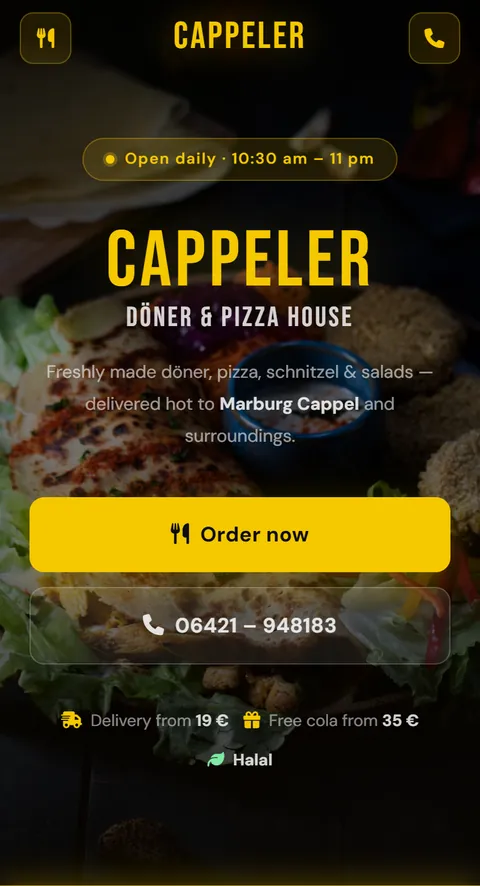
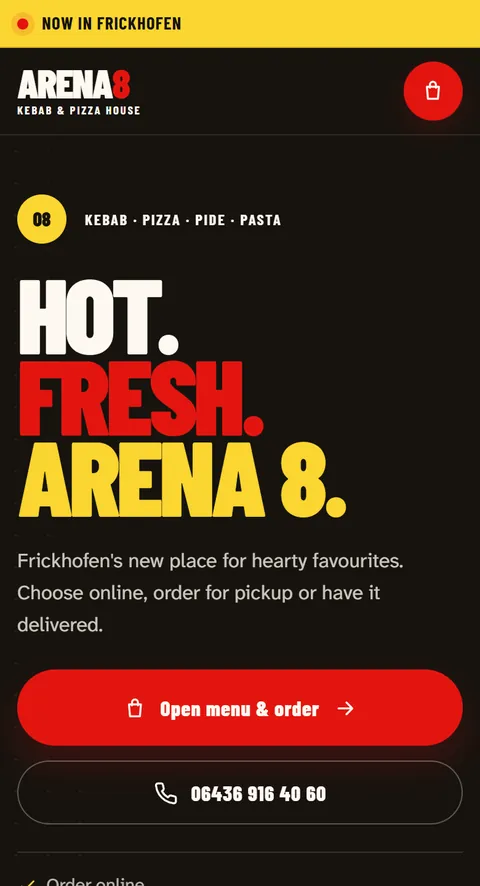
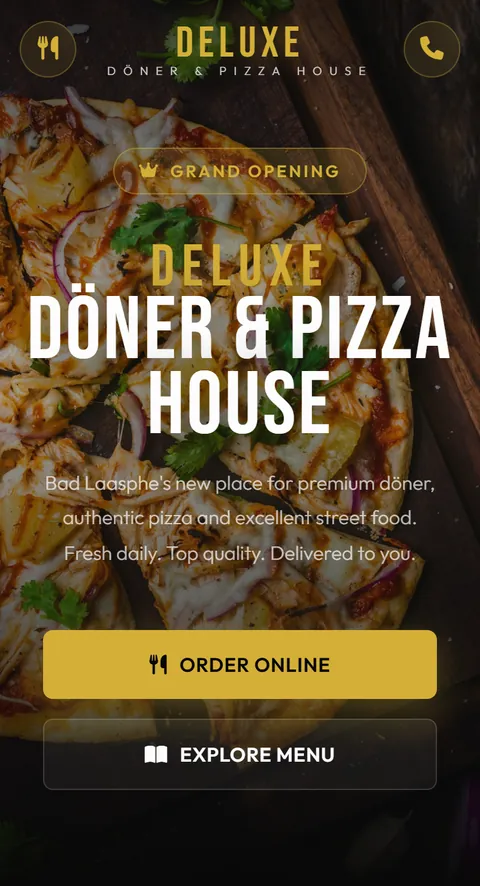
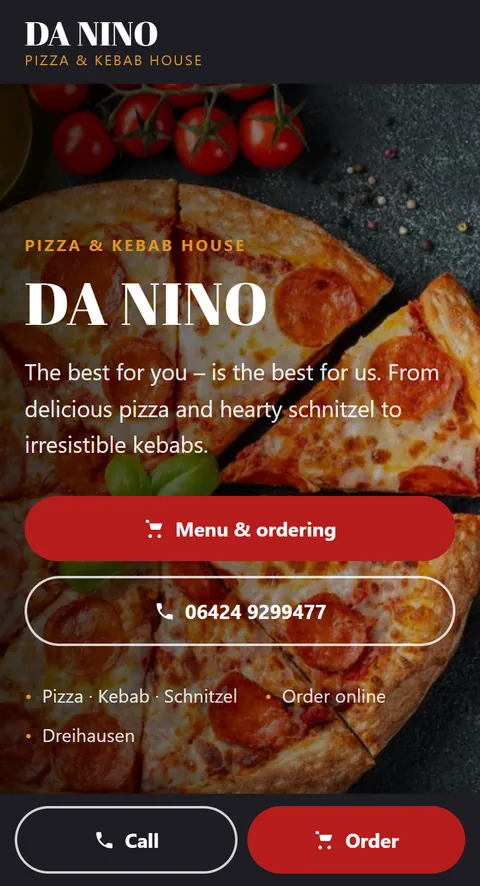
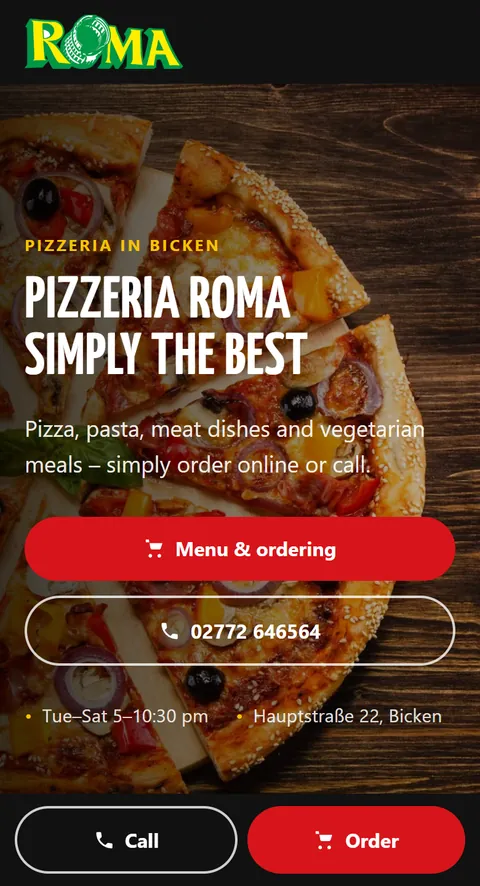
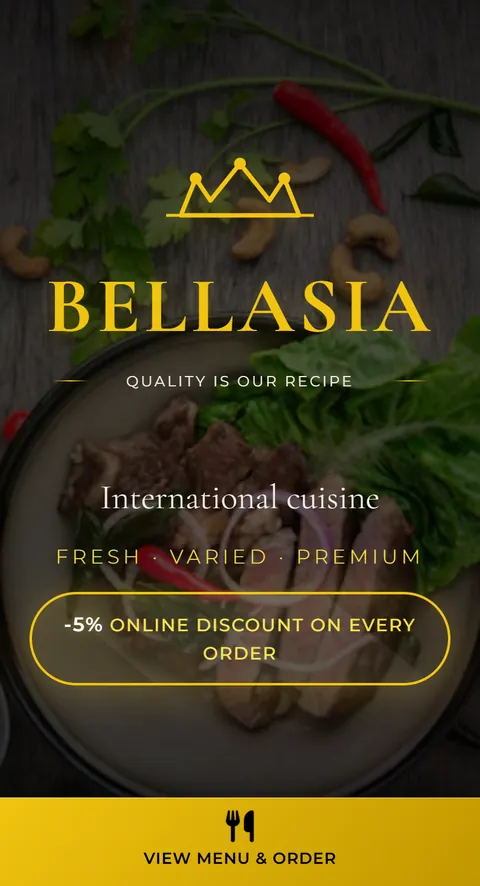
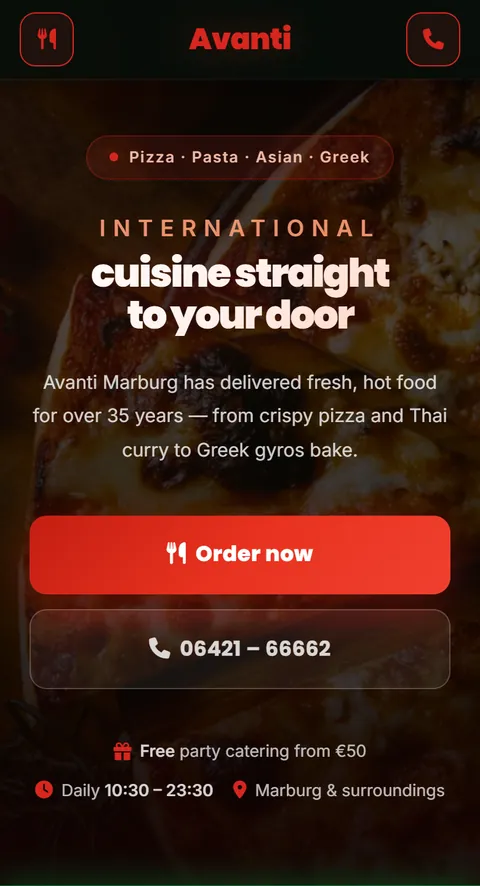
A look at restaurant websites

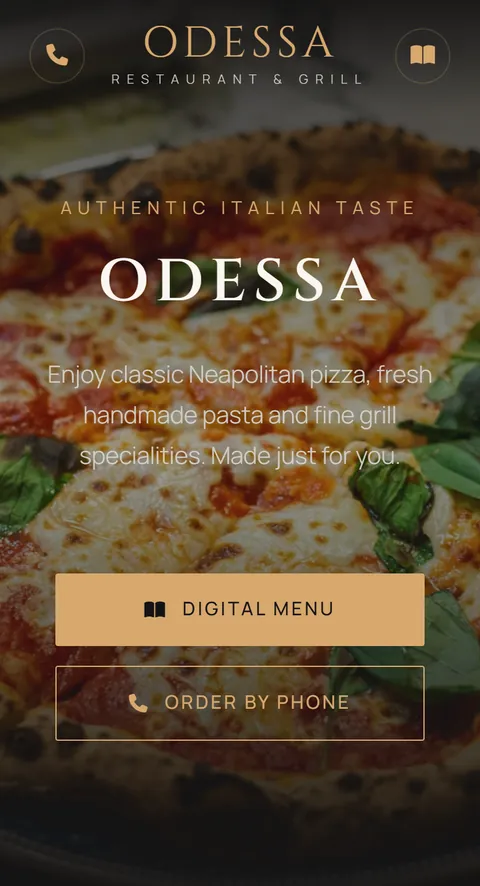
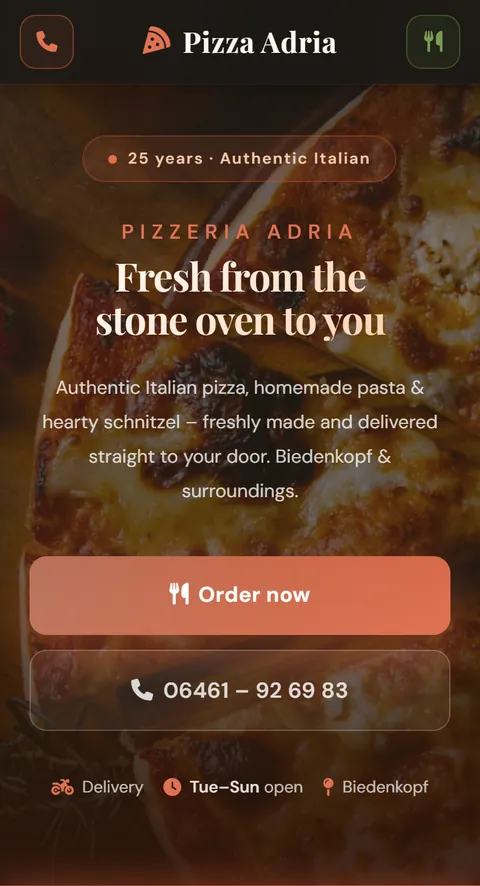
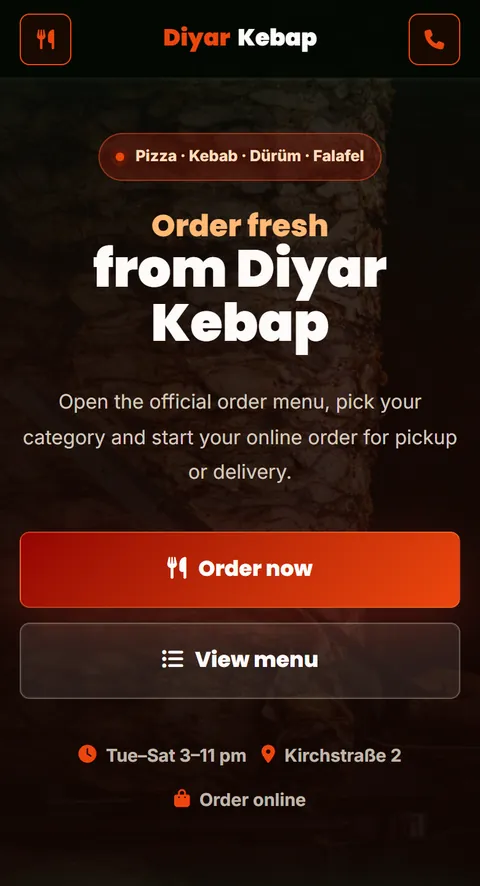
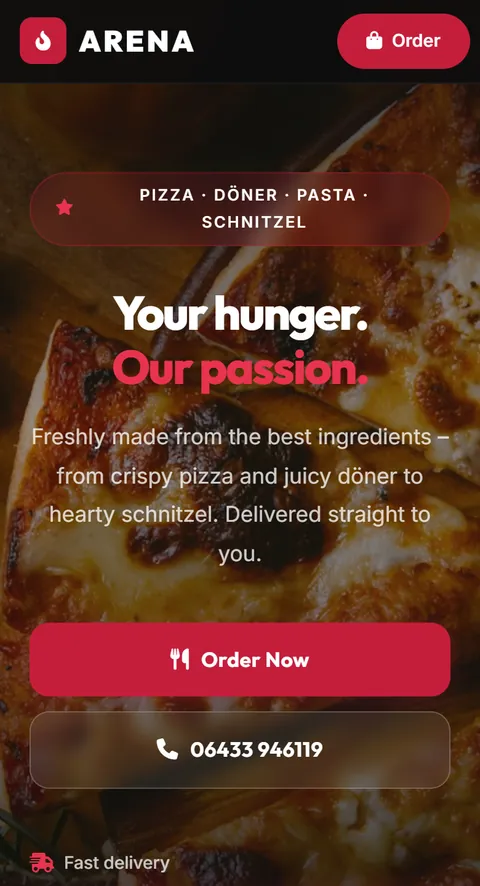
These restaurants use OrderKick for online orders. Explore their websites and see how an ordering channel can reflect each restaurant.

Choose a restaurant to explore its website.

What does it look like?

Your ordering page looks like you. Not like us.

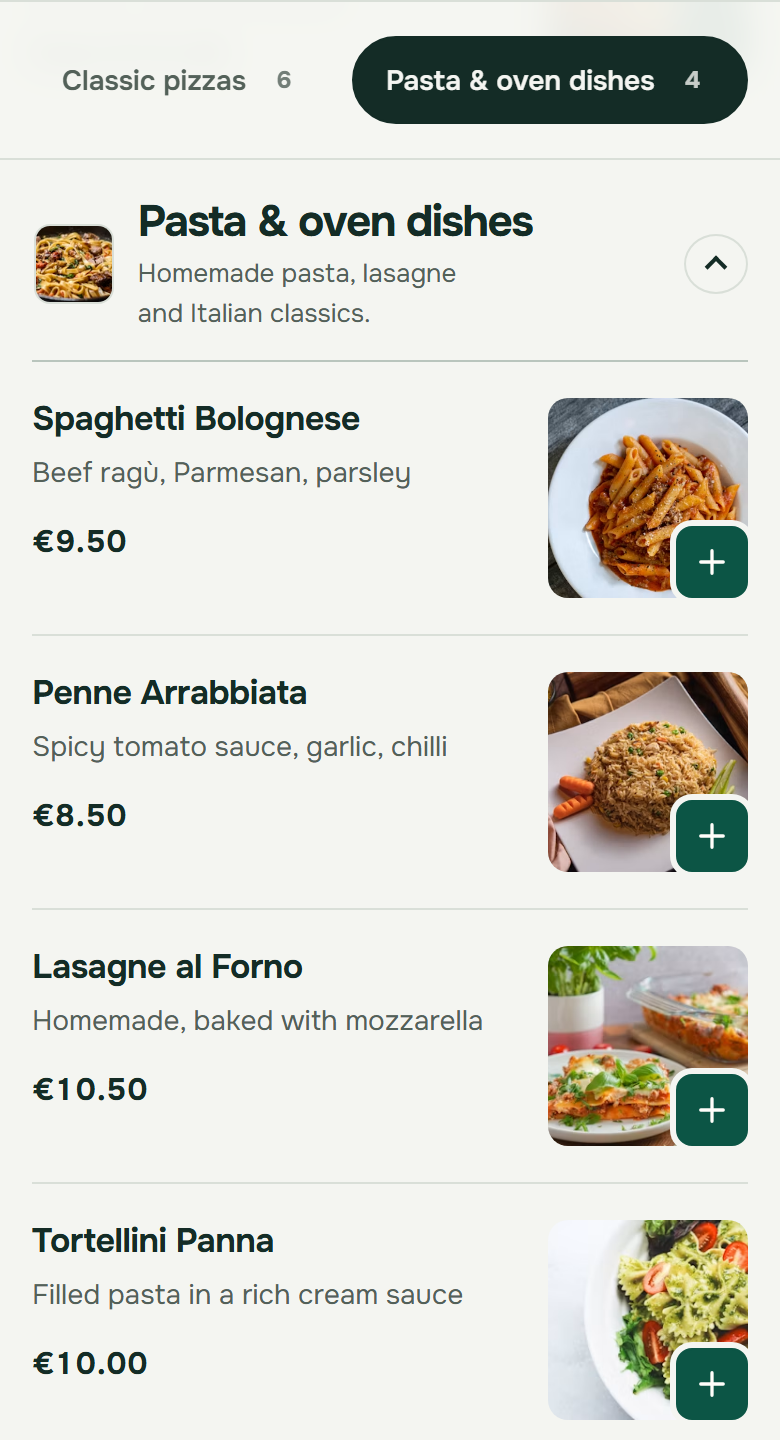
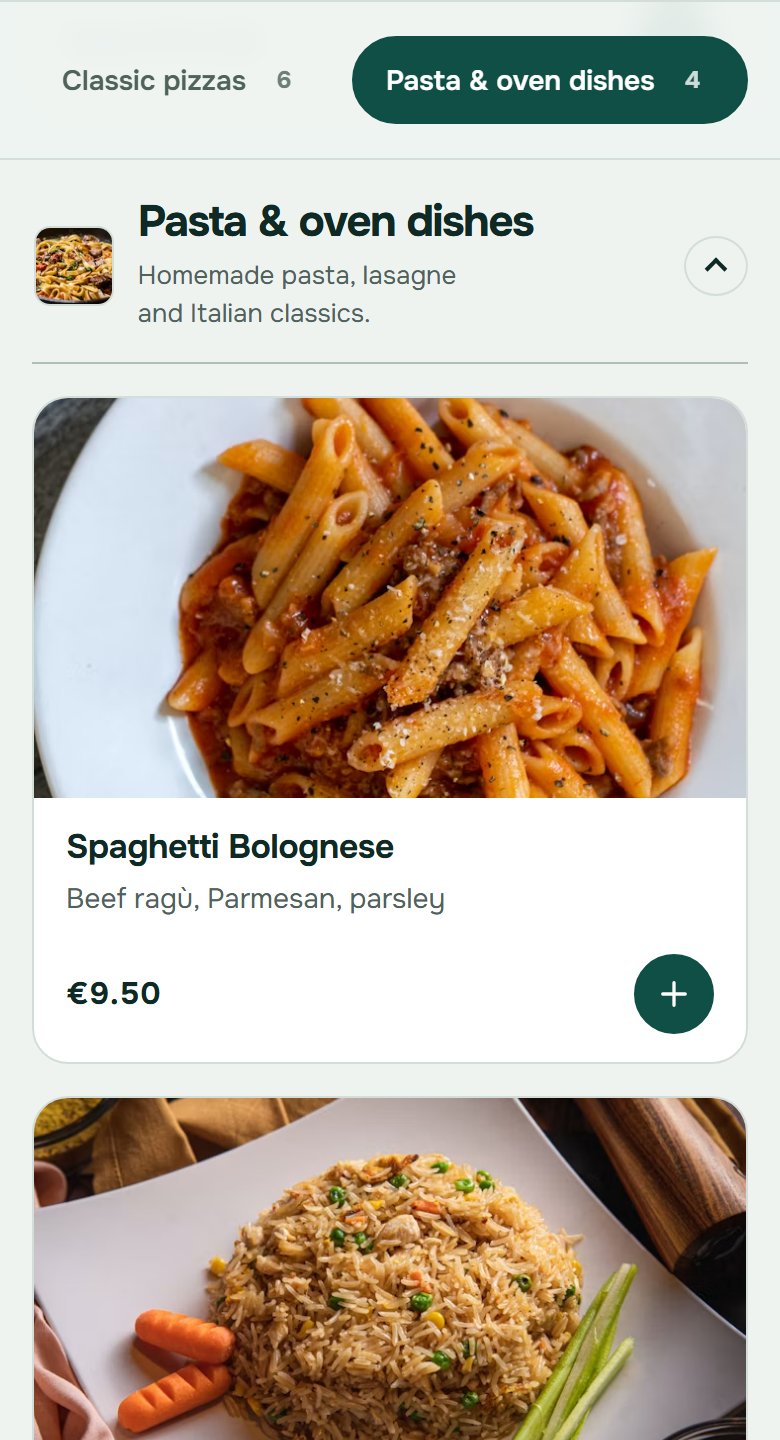
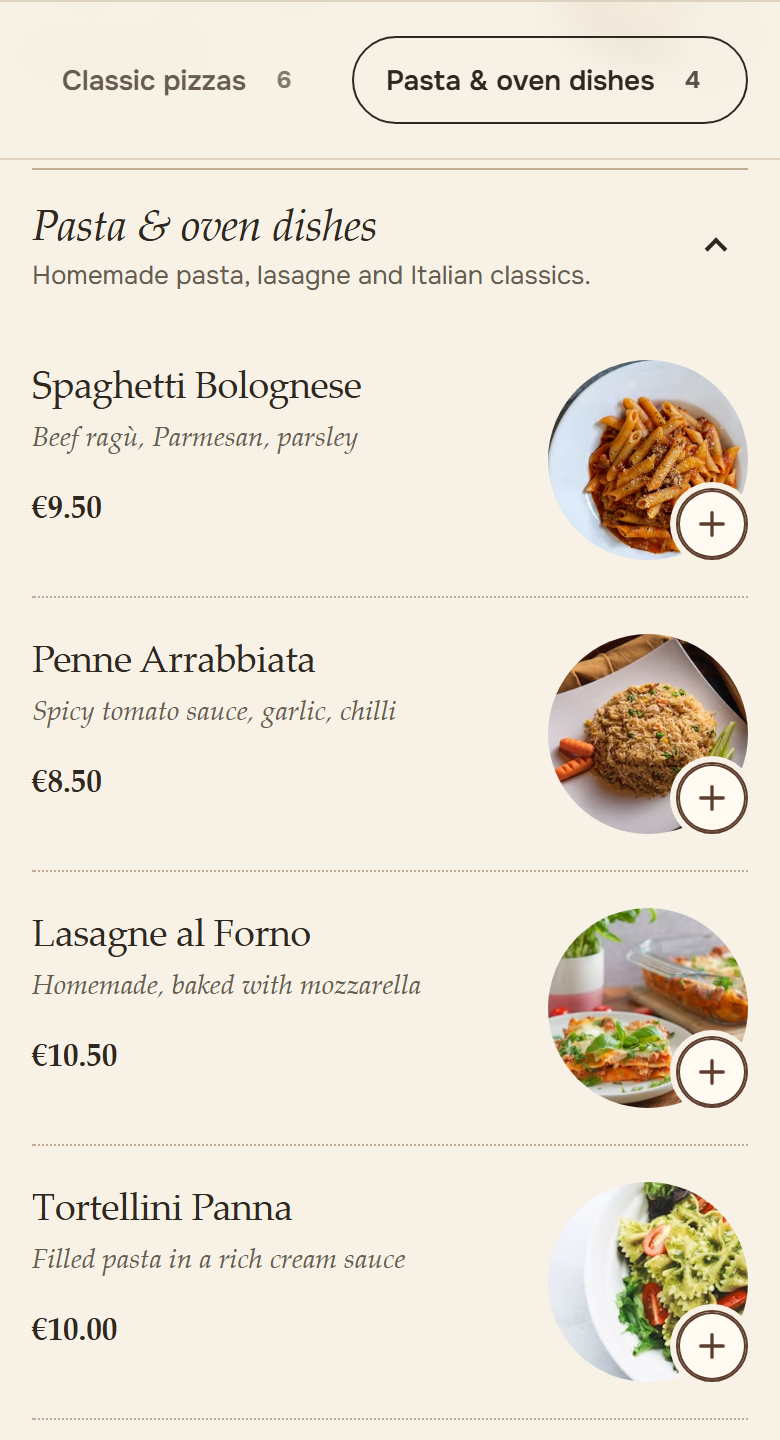
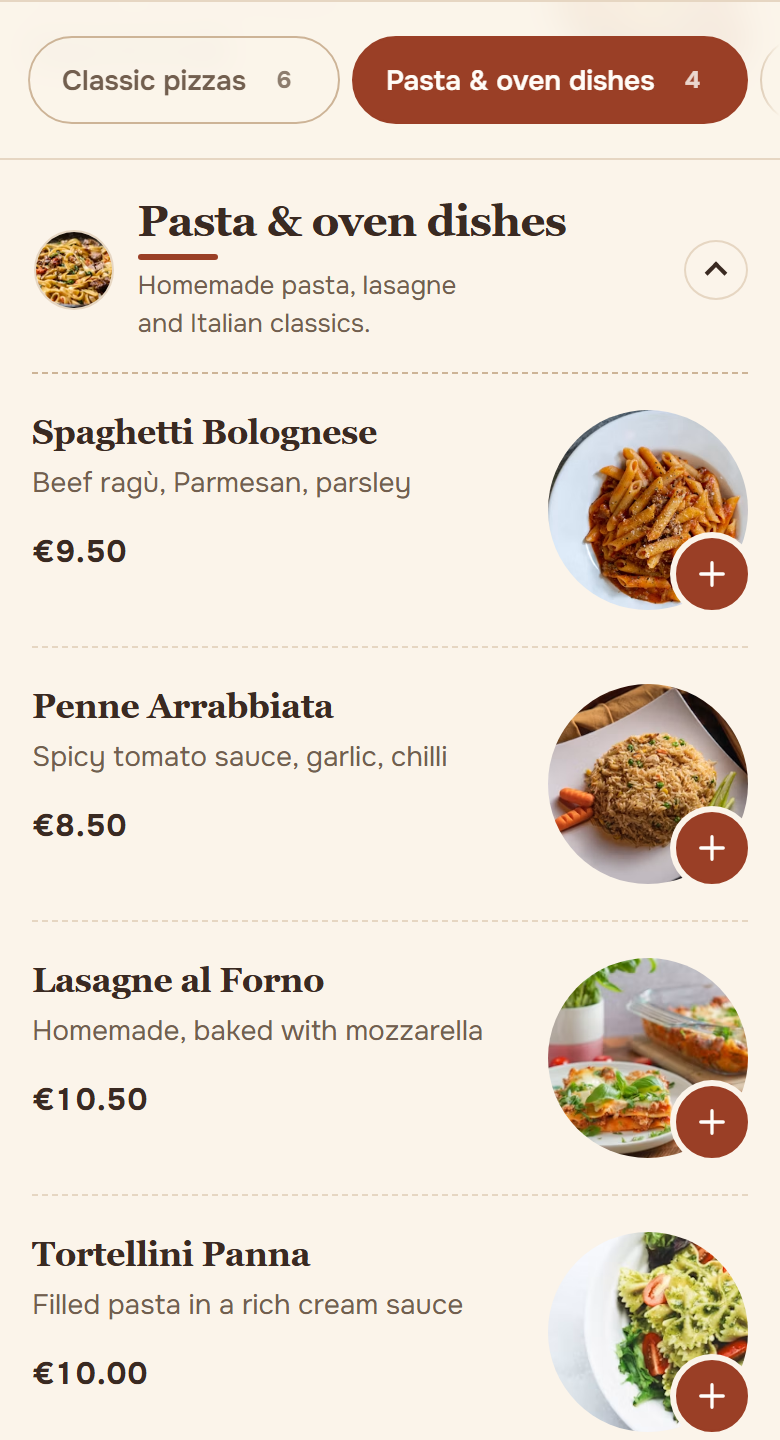
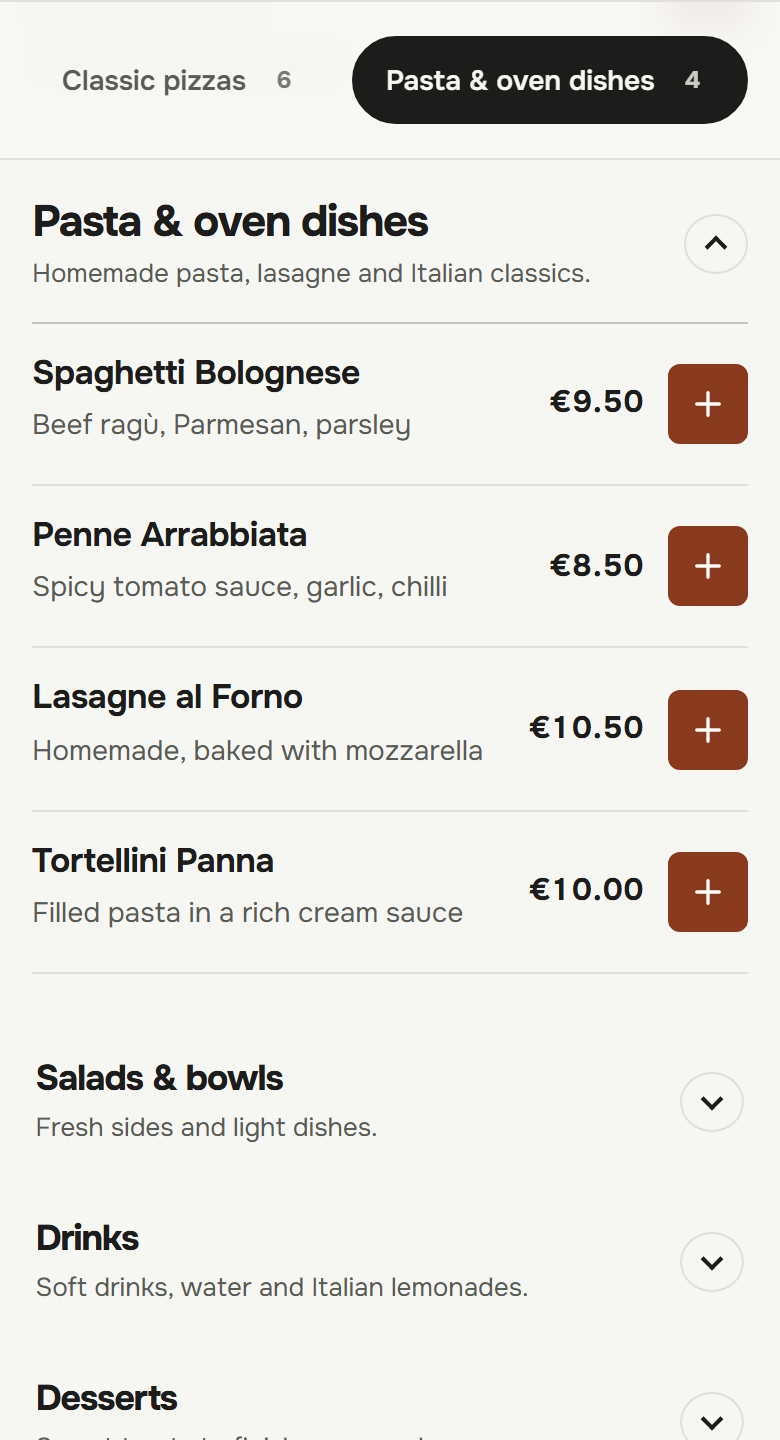
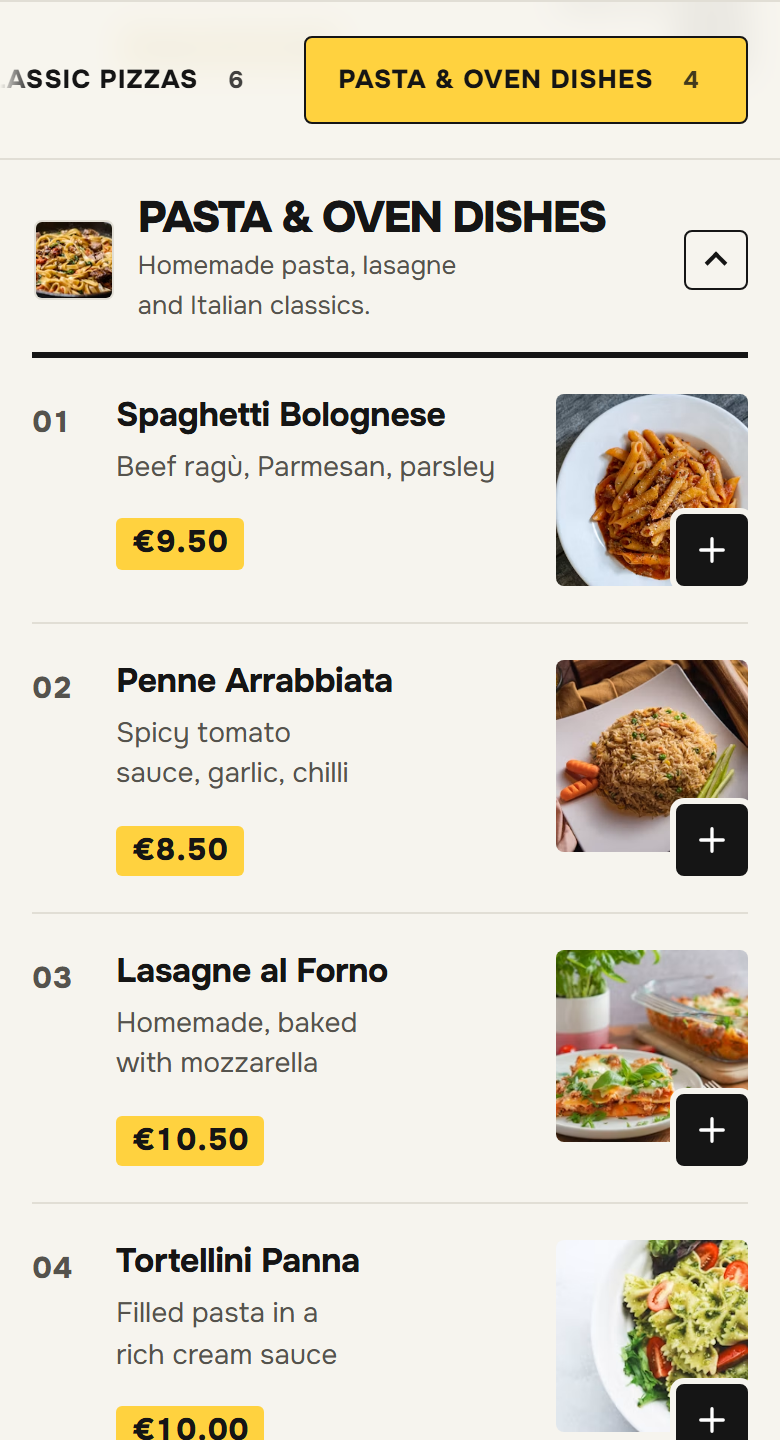
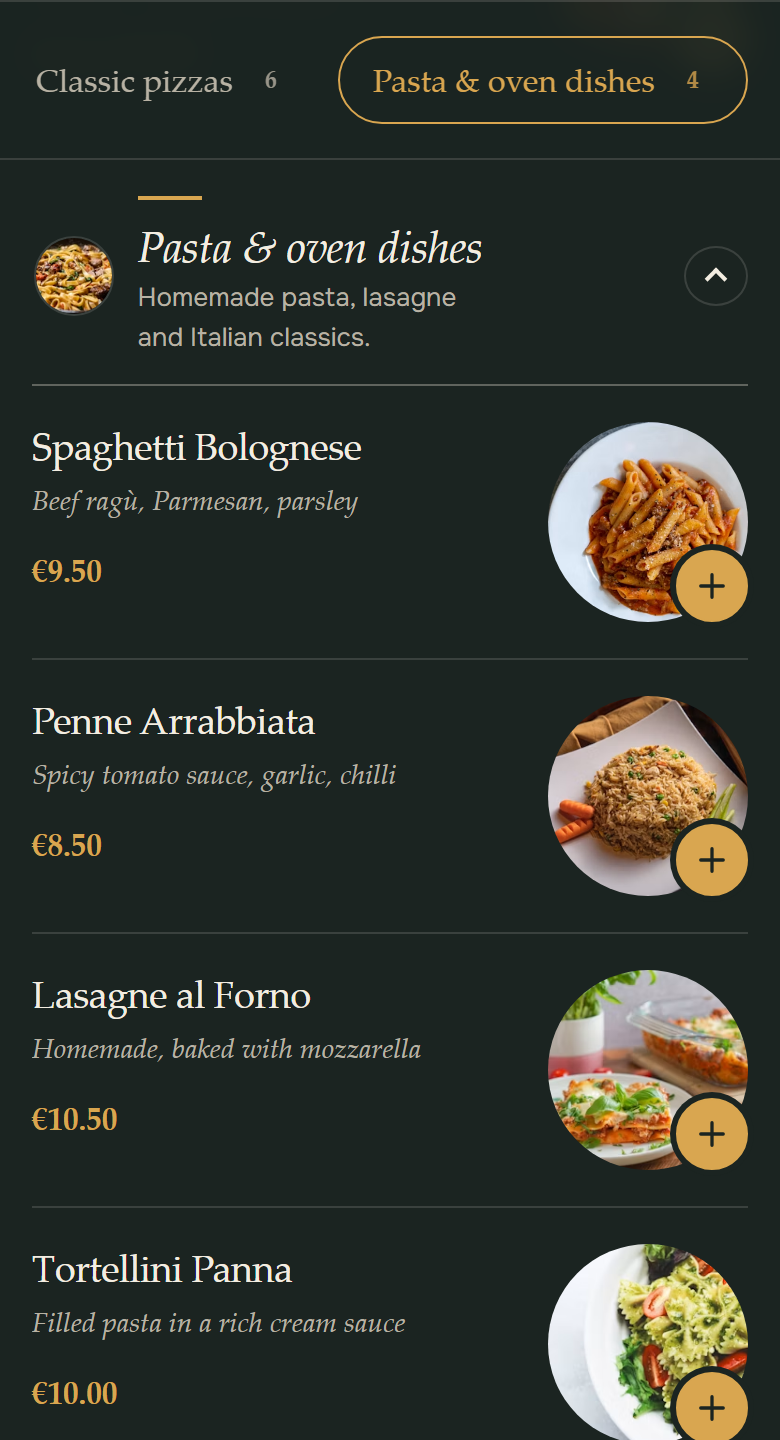
Eight designs, one ordering flow. Choose the look that fits your place and check it first in a preview with your own menu.

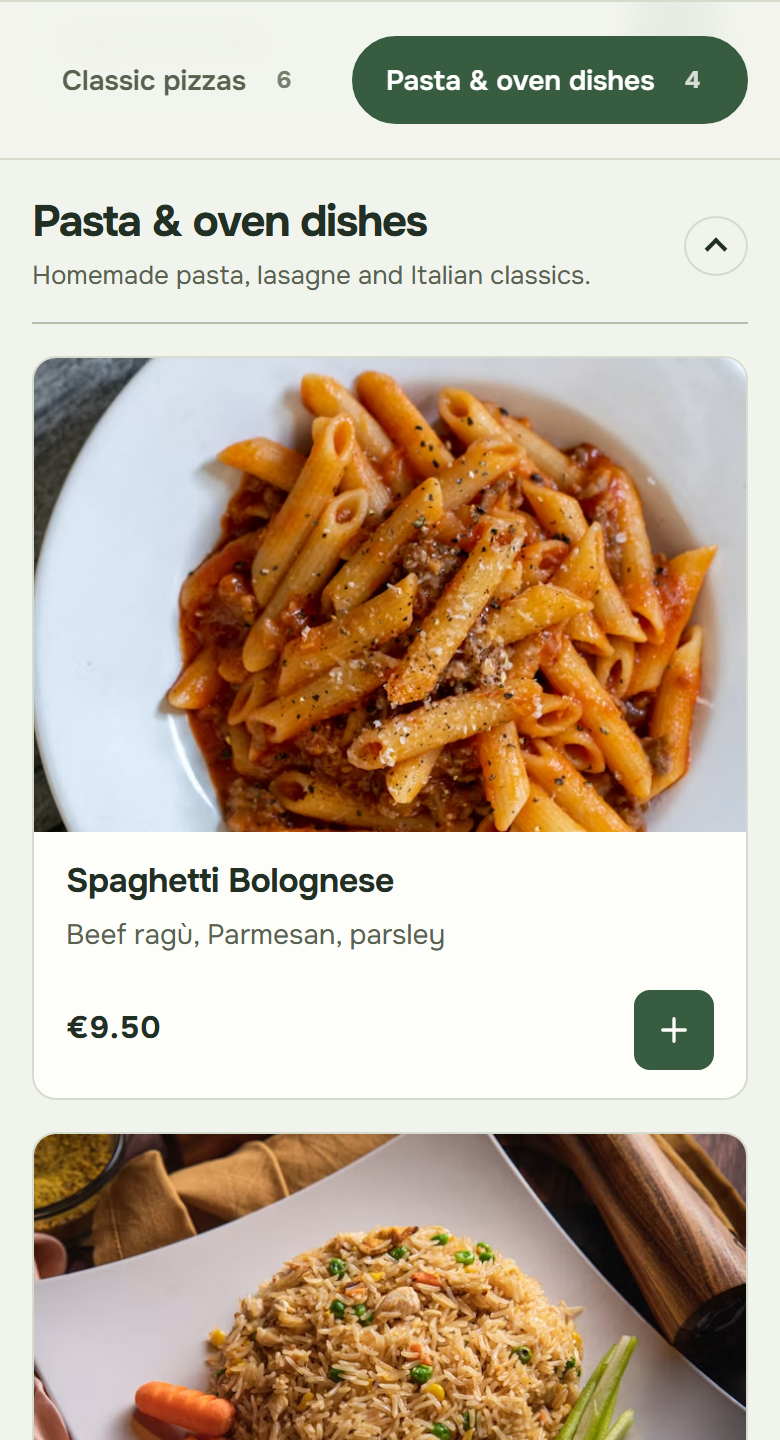
Original screenshot of the OrderKick demo ordering page in the Classic design: Menu
Original screenshots · demo menu

Design 1 of 8: Classic

For large menus and guests who want to order without detours.

  • Calm restaurant header
  • Compact list with photos
Try this design live: Classic

Why direct?

Same order. Two ways in.

Once through a platform, once through your own ordering page.

Your rate, as in your platform contract.
Commission calculator

Set your rate and the receipt works out the commission.

Example data · recreated
  1. No commission.

    You pay a fixed monthly price instead of a share of every order. What an order through a platform costs you is something to work out with your own figures.

  2. Fewer phone calls during service.

    Guests order online, with extras and requests. Your team accepts with one tap, and the guest sees when the food will be ready.

  3. Regulars order from you.

    Your ordering link, your QR code. Coupons and a stamp card bring guests back.

OrderKick does not replace the platforms. It is your own ordering channel alongside them.

How an order runs

From the first tap to the kitchen ticket.

One ordering flow for your guests and your team, with an example: 2× Margherita and a mixed salad for collection, paid in cash.

Guided example · no real order
  1. Explore the restaurant’s own menu.

    Guests order on your own ordering page. You configure collection, delivery and delivery zones.

  2. Review the order and confirm a time.

    The app alerts your team to a new order. Your team accepts it and sets a collection or delivery time.

  3. Kitchen ticket and confirmed time.

    The connected receipt printer prints the kitchen ticket. The guest sees the confirmed time on the ordering page.

Try it yourself

How does it run during service?

Technology you don’t notice during service.

An order passes three stations. In between, OrderKick checks every order and notices when your app is not connected.

  1. Your guest orders

    On your ordering page: through your website, your link or the QR code.

  2. OrderKick checks

    Every order, before it is sent:

    • Delivery zone
    • Minimum order
    • App connected
  3. Your team accepts

    The app announces the order with an alarm. One tap on the time, and your guest sees when the food will be ready.

  4. The kitchen gets the ticket

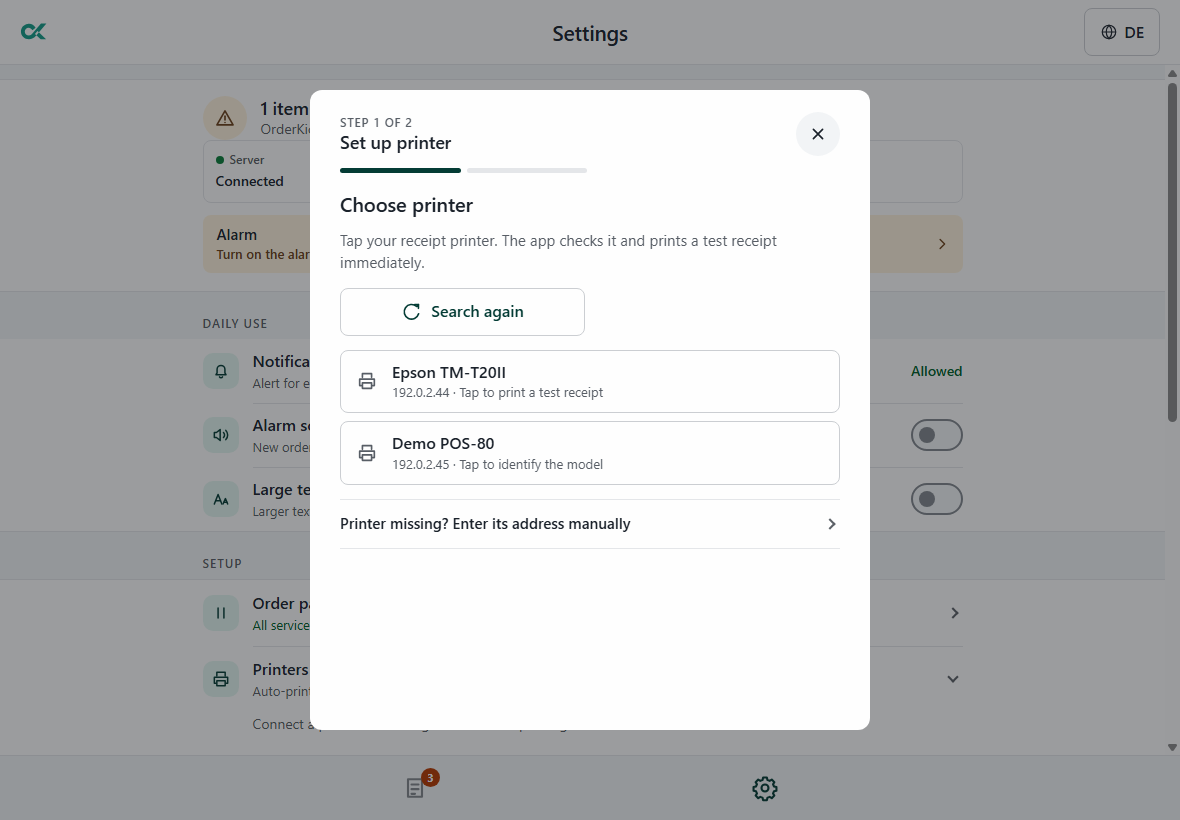
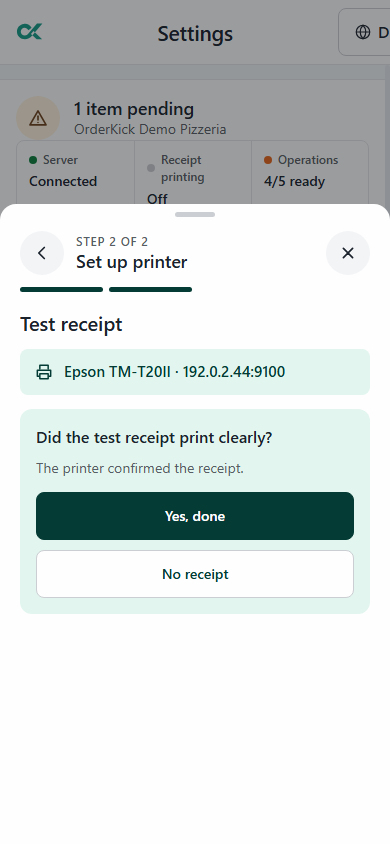
    The kitchen ticket comes out of your receipt printer on the restaurant network. You connect and test the printer right in the app.

When the app is not connected

Without a connected app your ordering page accepts no new orders, and your team gets an email.

Guests see a notice and can call you directly.

What you need

  • An Android tablet or phone for the app.
  • An Epson receipt printer with a network connection for kitchen tickets; we check which model fits during the demo.
  • A browser for your restaurant area: orders, menu, opening hours, reports and invoices, including e-invoices.

What’s included?

Four parts, one system: ordering page, app, restaurant area and everything that brings guests back.

See all features
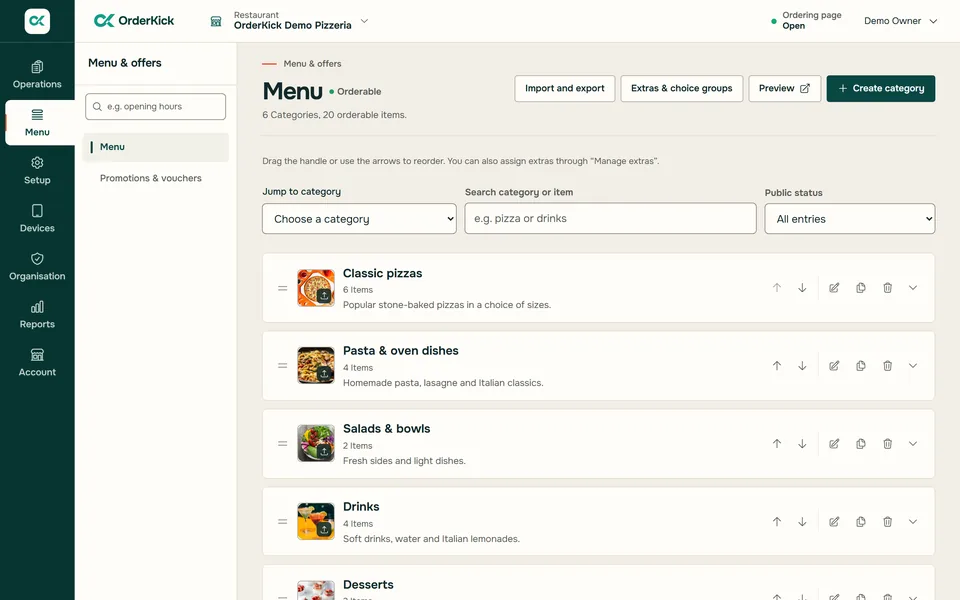
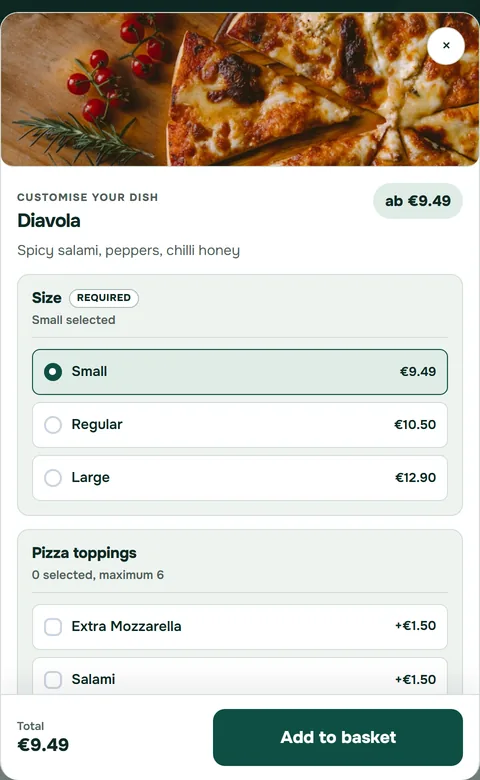
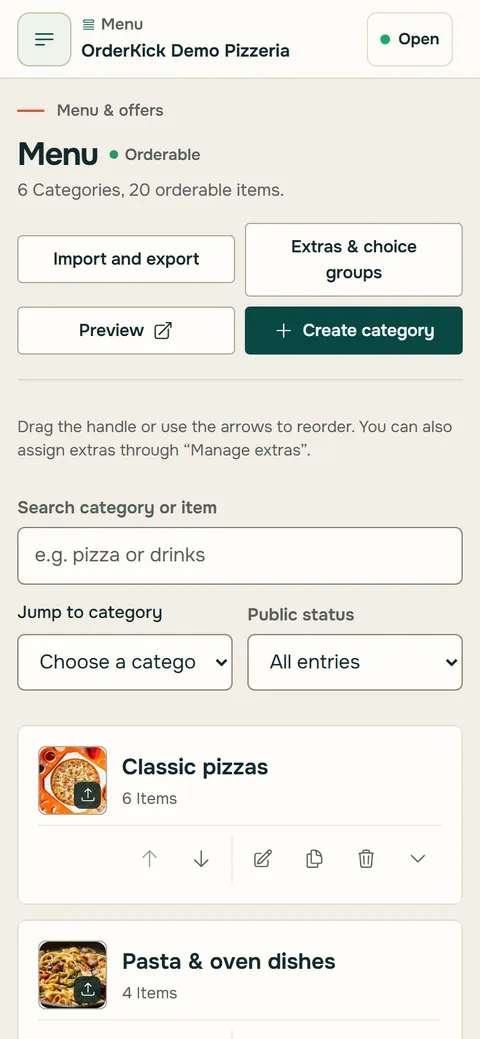
Restaurant area in the browser: menu of the demo pizzeria with categories and itemsOrder-intake app on a tablet: setting up the printer, step 1 of 2Ordering page of the OrderKick demo pizzeria on a phone: Pizza Diavola with sizes and extras to choose from
Original screenshots · coupon recreated

Every item on the card is included in the monthly price.

Ordering page

  • Menu with sizes and extras
  • Collection and delivery with delivery zones
  • Minimum order and delivery fee
  • Eight designs, German and English

Order-intake app

  • Alarm and acceptance with a time
  • Kitchen ticket on your receipt printer
  • Pause delivery or collection for a while

Restaurant area

  • Menu, opening hours and pre-orders
  • Reports per location, export as CSV and Excel
  • Invoices, including e-invoices

Bringing guests back

  • Restaurant website on orderkick.com
  • Ordering link, QR codes and website button
  • A4 and A5 flyers with scan tracking
  • Coupons and stamp card

Is it right for me?

One restaurant, several locations or many clients.

Your place, your link, your regulars.

You get an ordering page with an ordering link and a restaurant website, plus QR codes and flyers to download.

  • Ordering link, website button and restaurant website
  • QR code and A4 and A5 flyers
  • Fixed monthly price without order commission

€39 per month

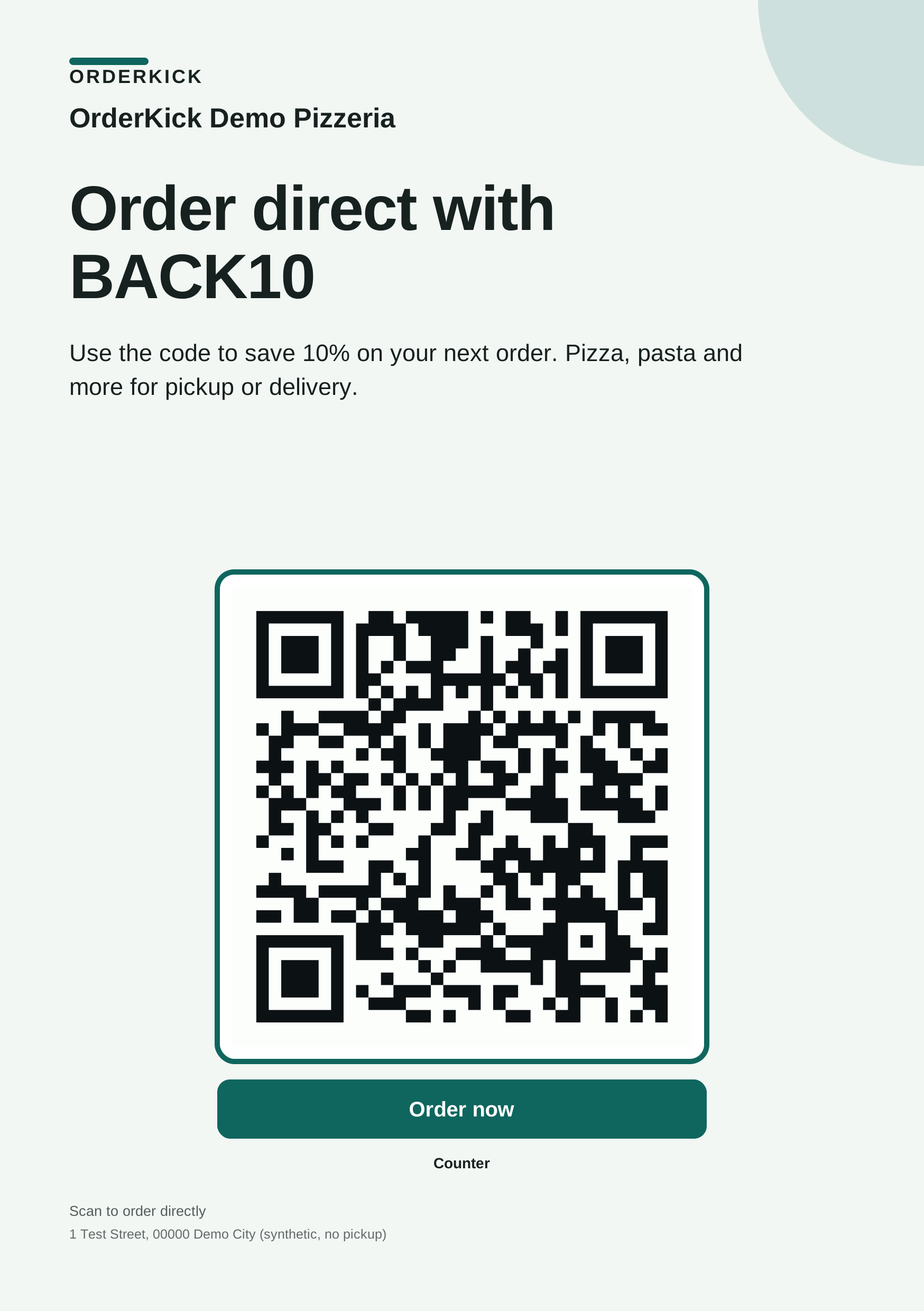
Original output of the OrderKick Demo Pizzeria’s A5 flyer with example data: “Order direct with BACK10”, QR code and “Order now”Ordering page of the OrderKick demo pizzeria in the Modern design on a phone, reached by QR code and website button

Example data · flyer: original output · scene recreated

OrderKick · Your price

€39 / month

1 location · monthly billing

or yearly
€420 / year
equals €35 / month
Commission
0%
each extra location
€29 / month
Guest app (add-on)
€12 / month
or €130 / year, per location
Trial
30 days from launch

Not included: payment provider fees, tablet and receipt printer.

Net prices plus VAT · for businesses only

What does it cost?

One monthly price. No commission.

  • Support by email and WhatsApp
  • Core features and restaurant website included

How you get started

  1. Demo, Duration: 30 min

    Online via screen sharing, with your own menu.

  2. Detail of the restaurant area on a phone: the demo pizzeria menu heading with import and export

    Set up your menu, Duration: from 15 min

    Dishes, sizes and extras, or an import from GloriaFood.

  3. Detail of the order-intake app: asking whether the test receipt printed clearly, with “Yes, done”

    Connect app and printer, Duration: about 15 min

    Set up the app, connect the printer, print a test ticket.

  4. Your first week live

    Where you add your ordering link:

    • Google Business Profile
    • Instagram profile
    • Flyer at the counter
    • Your website
Original screenshots · demo account

Using GloriaFood? GloriaFood shuts down on 30 April 2027. How to switch

Good to know

Questions before you start.

Still have a question?Support by email and WhatsApp. In the demo we go through your questions with you.

Ask on WhatsApp
Do my guests need an app?

No. Your guests order in the browser, through your link, the QR code or your website. Regulars can use your guest app with your name and logo; it is an add-on. Only your team uses the order-intake app; one device is active per location.

Can I run several locations?

Yes, with one login. Changes to a shared menu are published deliberately to the locations you choose; price and availability can differ per location. A report brings the orders of all locations together.

How does my menu get in?

From GloriaFood you import your menu with the menu key or a file: first a preview with all notices, then the import as a hidden draft. Images are not transferred. Allergens and labels are imported when GloriaFood provides them unambiguously; please check them before publishing. From other systems you add categories, dishes, sizes and extras in the restaurant area. During the demo we go through your menu together.

Can I stay on delivery platforms at the same time?

Yes. OrderKick is your own ordering channel alongside the platforms. Platform orders keep coming in through their own channels; OrderKick does not merge them.

How do my guests pay?

In cash or by card on collection or delivery. You decide which payment methods you offer.

What happens if the internet or the app goes down?

Without a connected app your ordering page accepts no new orders, and your team gets an email. Your guests see a notice and can call you. As soon as the app is connected again, ordering continues.

Your next step

Your next ordering channel starts here.

We show you OrderKick with your own menu: 30 minutes, online via screen sharing. Reply by email within one business day.

Request a demoRather ask right away? Message us on WhatsApp